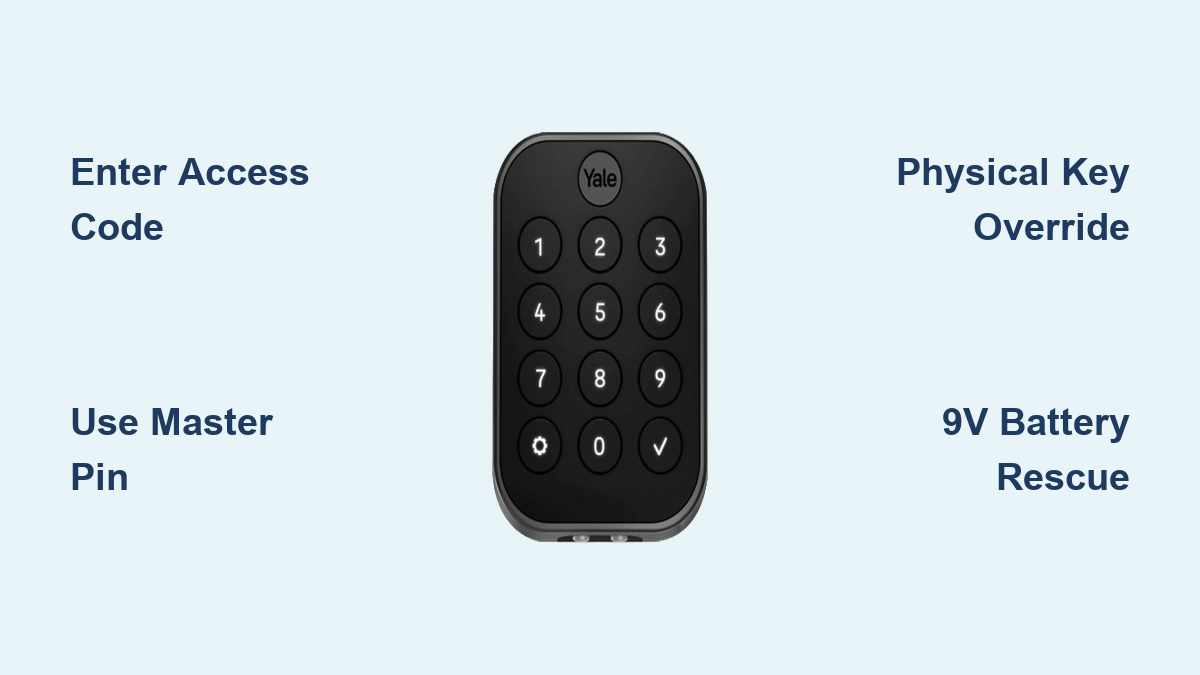
How to Unlock Yale Keypad: Quick Steps
You’re standing outside your front door, fumbling with your Yale keypad while rain starts to fall. You enter your code, but nothing happens—no beep, no unlocking mechanism. That sinking feeling of being locked out hits you hard. Whether your batteries died unexpectedly, your code stopped working after a recent update, or you’re helping a house sitter who forgot their temporary access, knowing exactly how to unlock Yale keypad systems can save you from costly locksmith calls or property damage.
This guide delivers proven solutions straight from Yale’s technical specifications, covering every scenario from simple code entry to complete battery failure. You’ll learn five reliable methods to regain entry, each with step-by-step instructions verified by Yale’s official documentation. By understanding these procedures before an emergency strikes, you’ll transform potential lockout disasters into minor inconveniences you can handle in under two minutes.
Enter Your Access Code Correctly
Standard User Code Process
Your Yale keypad unlocks through a simple sequence that works 90% of the time when performed correctly. Press each digit of your 4-8 digit user code firmly on the keypad, ensuring you hear an audible beep confirming each button registration. After entering the complete code, press the checkmark or enter key—the lock will emit a distinct confirmation tone and the deadbolt retracts automatically within two seconds.
Pro tip: If the keypad feels sluggish or requires extra pressure on buttons, replace batteries immediately. Delaying this often leads to complete lockout within days as the system struggles to maintain minimum power requirements.
Common Entry Mistakes
Most “failed unlock” situations stem from these preventable errors:
– Double-pressing buttons due to worn keypad sensitivity causing code rejection
– Rushing the sequence without waiting for each button’s confirmation beep
– Entering outdated codes after recent programming changes you’ve forgotten
– Ignoring privacy mode which temporarily disables all keypad codes
Master PIN Override Access
When to Use Master PIN
The master PIN serves as your emergency key when standard access fails. This factory-set or owner-programmed code bypasses all user restrictions and provides immediate entry. Use this when house guests forget temporary codes, after accidental system resets, or when you suspect unauthorized code changes compromised security.
Master PIN Entry Steps
- Retrieve your master PIN from your secure documentation (never stored near the lock)
- Enter the master PIN exactly as programmed without pauses
- Press the checkmark key immediately after the final digit
- Listen for the extended confirmation tone signaling override mode
- Turn the handle within 5 seconds before auto-relock engages
Expert note: Change your factory master PIN during initial installation to prevent security vulnerabilities—default codes like “12345” are easily guessed by potential intruders.
Physical Key Emergency Override

Finding the Hidden Keyhole
Every Yale keypad lock includes a mechanical backup keyhole, though its location varies by model. Check these critical spots:
– Bottom edge of the keypad (most common location)
– Behind a small removable plastic cover near the base
– Side panel that slides open to reveal the keyway
– Beneath the Yale logo on select contemporary models
Key Override Procedure
Insert your provided override key fully into the keyway, turning clockwise until you feel slight resistance. Continue turning firmly—the mechanical mechanism will manually disengage the deadbolt. If the key feels stuck, gently wiggle while maintaining pressure; forcing it can damage internal components.
Warning: Never use excessive force with the override key. If resistance persists beyond gentle pressure, the lock mechanism may be jammed, requiring professional service to avoid permanent damage.
Yale Access App Remote Unlock
Bluetooth Unlock Method
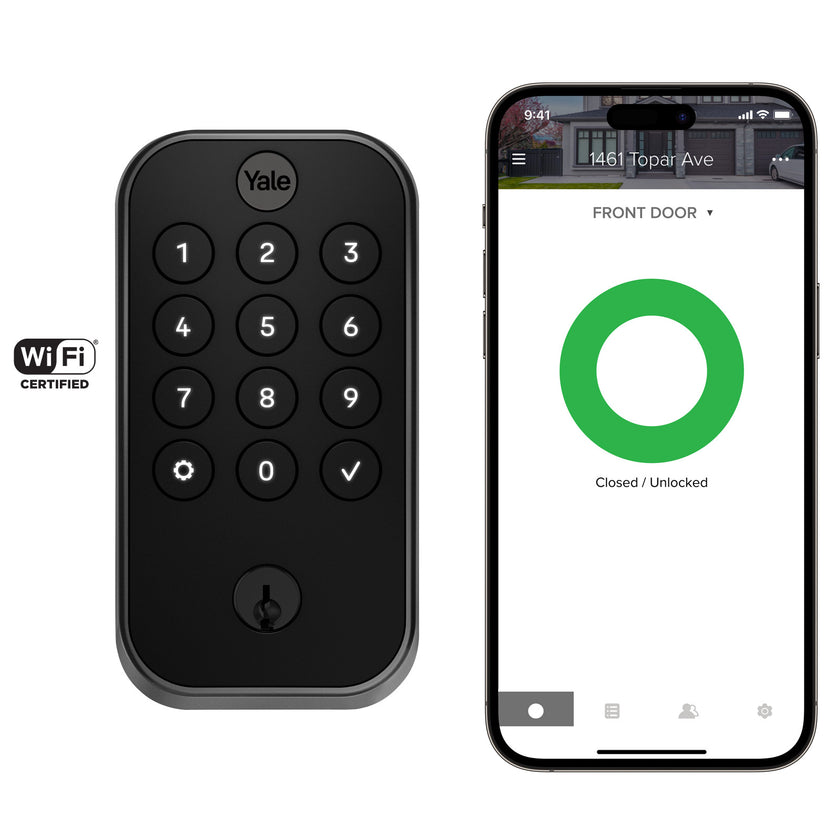
For smart Yale keypad models, immediate access awaits through your smartphone. Ensure Bluetooth is enabled and stand within 30 feet of the lock. Open the Yale Access app, select your lock from the device list, and tap the prominent “Unlock” button. The app sends an encrypted signal that bypasses keypad entry entirely, with confirmation appearing on your phone within seconds.
Wi-Fi Remote Access
When you’re away from home, Wi-Fi connectivity provides remote unlocking capability. The Yale Access app connects through your home network, allowing you to grant access to family members or service personnel without sharing physical codes. This feature requires initial setup through the Yale Access Bridge or built-in Wi-Fi capability during installation.
Emergency Jump Start for Dead Batteries
9V Battery Rescue Method
Complete battery failure doesn’t mean permanent lockout. Yale keypad locks include emergency power contacts at the bottom of the keypad assembly. Here’s the proven rescue process:
- Locate contact points: Two small metal squares beneath the keypad
- Align 9V battery: Match positive (+) and negative (-) terminals correctly
- Hold steady contact: Press battery firmly against contacts for 5-7 seconds
- Enter code immediately: You have 30 seconds of temporary power
- Replace batteries: Access gained, install fresh AA batteries immediately
Pro tip: Keep a 9V battery in your car or with a trusted neighbor specifically for this emergency—this method works on every Yale model regardless of age or features.
Fix Common Unlock Failures Fast
Keypad Not Responding Solutions
When your Yale keypad appears completely dead:
– Replace all four AA batteries (mixing old and new causes inconsistent power)
– Clean keypad surface with dry microfiber cloth to remove debris
– Check for physical damage like cracked buttons or water intrusion
– Test in different lighting (direct sunlight can obscure LED indicators)
Access Code Troubleshooting
Codes that previously worked may fail due to:
– Accidental deletion during recent programming sessions
– Vacation mode activation disabling all user codes
– Privacy mode engaged from interior thumb-turn
– System reset returning to factory defaults
Lock Mechanism Sticking
When the keypad accepts codes but the door won’t open:
– Check door alignment (seasonal swelling affects deadbolt operation)
– Lubricate moving parts with graphite powder (never oil-based products)
– Verify installation (professional installation prevents binding issues)
– Clear door frame obstructions like built-up paint or debris
Battery Replacement Made Simple
Recognizing Low Battery Warnings
Yale locks provide multiple warnings before complete failure:
– Audible beeps after each button press (starts 2-3 weeks before failure)
– Red LED flashes during code entry attempts
– App notifications for smart models (when Wi-Fi connected)
– Slower response time requiring deliberate button presses
Quick Battery Swap Process
- Remove interior cover: Usually slides down or has twist-lock tabs
- Note battery orientation before removal for correct installation
- Replace all batteries simultaneously using fresh alkaline AAs
- Test functionality before replacing the cover
- Reprogram if necessary (some models lose settings during power loss)
Factory Reset When All Else Fails
Reset Decision Points
Factory resetting erases all programmed codes and settings, returning your Yale lock to original factory condition. Choose this nuclear option when:
– All access codes are forgotten with no documentation
– Electronic malfunction prevents any keypad response
– New home purchase with unknown previous programming
– Security breach suspected requiring complete reprogramming
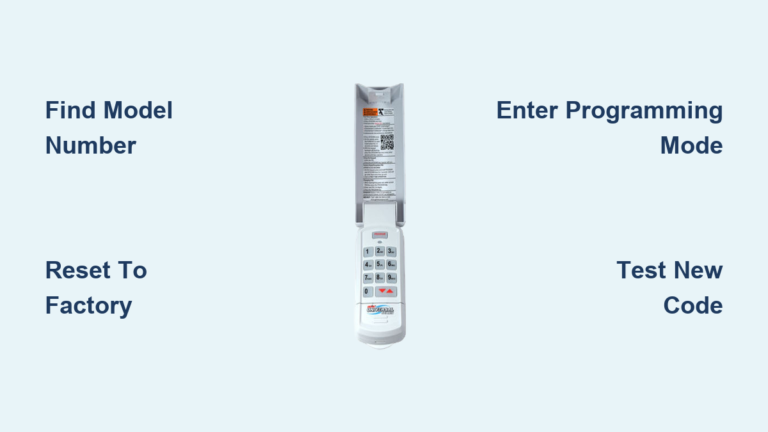
Complete Reset Steps
- Remove battery cover and extract all batteries
- Locate reset button: Small recessed button near battery compartment
- Press and hold reset while reinstalling batteries
- Continue holding for 10 seconds until confirmation beep
- Release and wait for system initialization (30-60 seconds)
- Reprogram from scratch using factory master PIN
Critical warning: Resetting deletes all user codes, schedules, and smart home integrations. Document new settings immediately to avoid repeating the reset process.
Prevent Future Lockouts Forever
Monthly Maintenance Routine
Prevent emergency situations with these simple habits:
– Test all user codes monthly to verify functionality
– Replace batteries annually regardless of performance indicators
– Clean keypad weekly with microfiber cloth to prevent debris buildup
– Check door alignment seasonally as temperature changes affect operation
– Update emergency contacts with trusted neighbor who has override key
Emergency Preparedness Kit
Create a lockout prevention kit containing:
– Fresh 9V battery in waterproof container (lasts 2+ years)
– Physical override key hidden in secure location like garage
– Master PIN written in coded format (not obvious like birthdates)
– Yale support phone number programmed in your contacts
– Trusted locksmith contact for mechanical failures beyond your control
Your Yale keypad lock offers multiple reliable access methods, ensuring you’re never truly locked out when you know these procedures. The key lies in understanding these backup options before emergencies strike—don’t wait for a downpour to discover your 9V battery trick. Store this guide digitally and consider sharing critical access information with trusted family members. Remember, the 9V battery method works on every Yale model regardless of age or features—keeping one in your car transforms potential lockouts into minor inconveniences you can solve in under a minute. With these proven techniques, you’ll maintain control of your home access without relying on expensive emergency services.