How to Stop Honeywell Alarm Keypad Beeping
Your Honeywell alarm keypad won’t stop beeping, and every chirp feels like it’s drilling into your sanity. Whether it’s 3 AM or during dinner, that persistent tone demands attention—but what does it mean? Most Honeywell keypads beep for specific reasons, and understanding these patterns is the first step to regaining peace in your home.
This guide walks you through the exact steps to diagnose and silence your beeping Honeywell keypad. You’ll learn to decode beep patterns, fix common causes, and prevent future disruptions—no technical background required. Within minutes, you’ll transform from frustrated homeowner to confident system troubleshooter.
Low Battery Alerts Triggering Constant Beeping
When your Honeywell keypad emits a steady tone every 30-60 seconds, low battery is almost always the culprit. Your system displays “BAT” or “LOW BATT” while beeping to warn you that the backup battery needs replacement. This typically happens after power outages or when backup batteries reach their 3-5 year lifespan.
How to Confirm Battery Issues
Check your display for specific battery warnings. If you see “LOW BATT” flashing alongside the beeping, your main system battery requires immediate attention. Most Honeywell systems will continue beeping until the battery is replaced or the alert is acknowledged, even if main power returns.
Immediate Action for Battery Beeping
Press * + 1 + OFF within 5 seconds of the beeping starting to temporarily silence the alert. This gives you quiet while you prepare for battery replacement, but remember—the underlying issue remains until you address the weak battery.
Rapid Beeping Patterns Indicating Power Problems

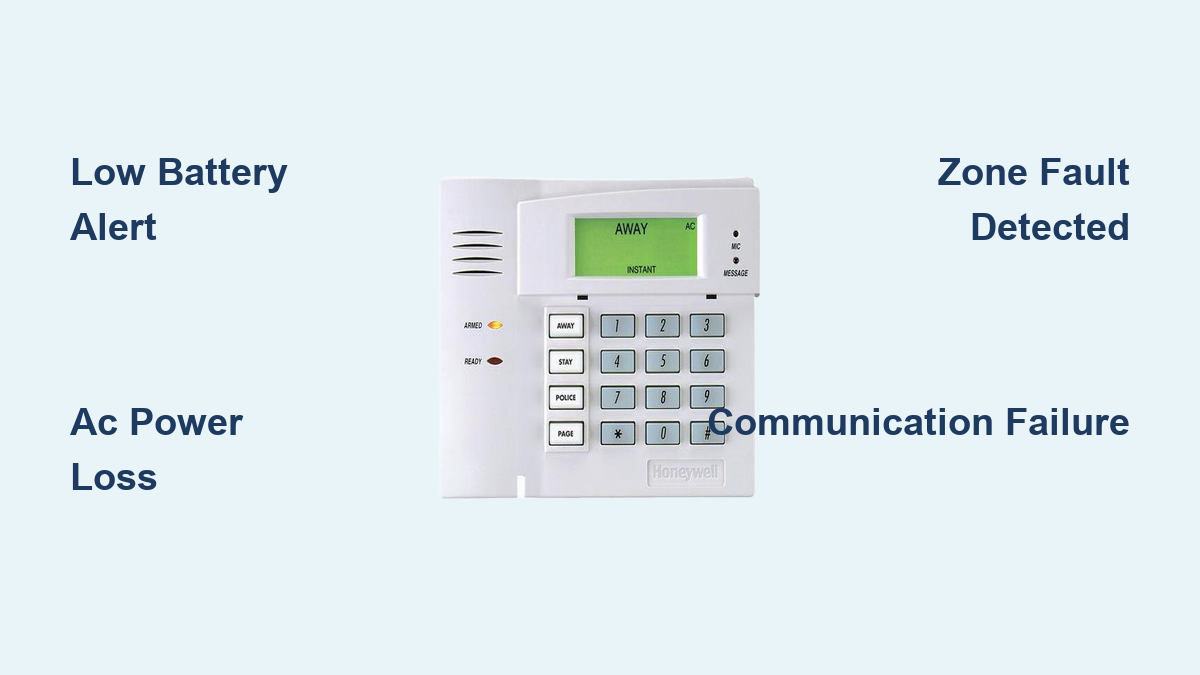
When your Honeywell keypad beeps rapidly every 2-3 seconds, your system has lost AC power and switched to battery backup. Look for “AC LOSS” or “NO AC” messages on your display. This urgent beeping continues until power is restored and you acknowledge the alert.
Diagnosing Power Failure Beeping
Check your main electrical panel for tripped breakers affecting the security system. Verify the transformer plugged into the wall outlet has a green LED light—if it’s off, you’ve lost AC power to your alarm system. During extended outages, the beeping serves as a critical reminder that your system is operating on limited battery power.
Restoring Power and Silencing Alerts
Once power returns, press * + 1 + OFF to clear the AC failure alert. Your system may continue beeping for 15-30 minutes while the backup battery recharges—that’s normal operation. If beeping persists beyond this timeframe, check for additional issues like low battery warnings.
Zone Faults Causing Intermittent Beeping

Open doors, triggered sensors, or disconnected devices cause your keypad to display “ZONE 01 FAULT” or similar messages while producing intermittent beeps. Each zone corresponds to a specific sensor in your home security system, and the beeping pattern helps identify which component needs attention.
Identifying the Problem Zone
Press * + 2 to display active fault zones on your keypad. Note which zone numbers appear—for example, “01” might be your front door, “05” the living room motion detector. Most systems show the faulty zone number alongside the intermittent beeping pattern.
Quick Fixes for Common Zone Faults
- Doors/Windows: Check for proper closure and ensure sensor contacts align within 1/4 inch
- Motion Detectors: Remove cobwebs, adjust sensitivity dial, and verify no pets are triggering
- Smoke Detectors: Press test button for 3 seconds to reset after false alarms
- Glass Break Sensors: Clean microphone area and test with hand clap from 10 feet away
Communication Failures Behind Periodic Beeping
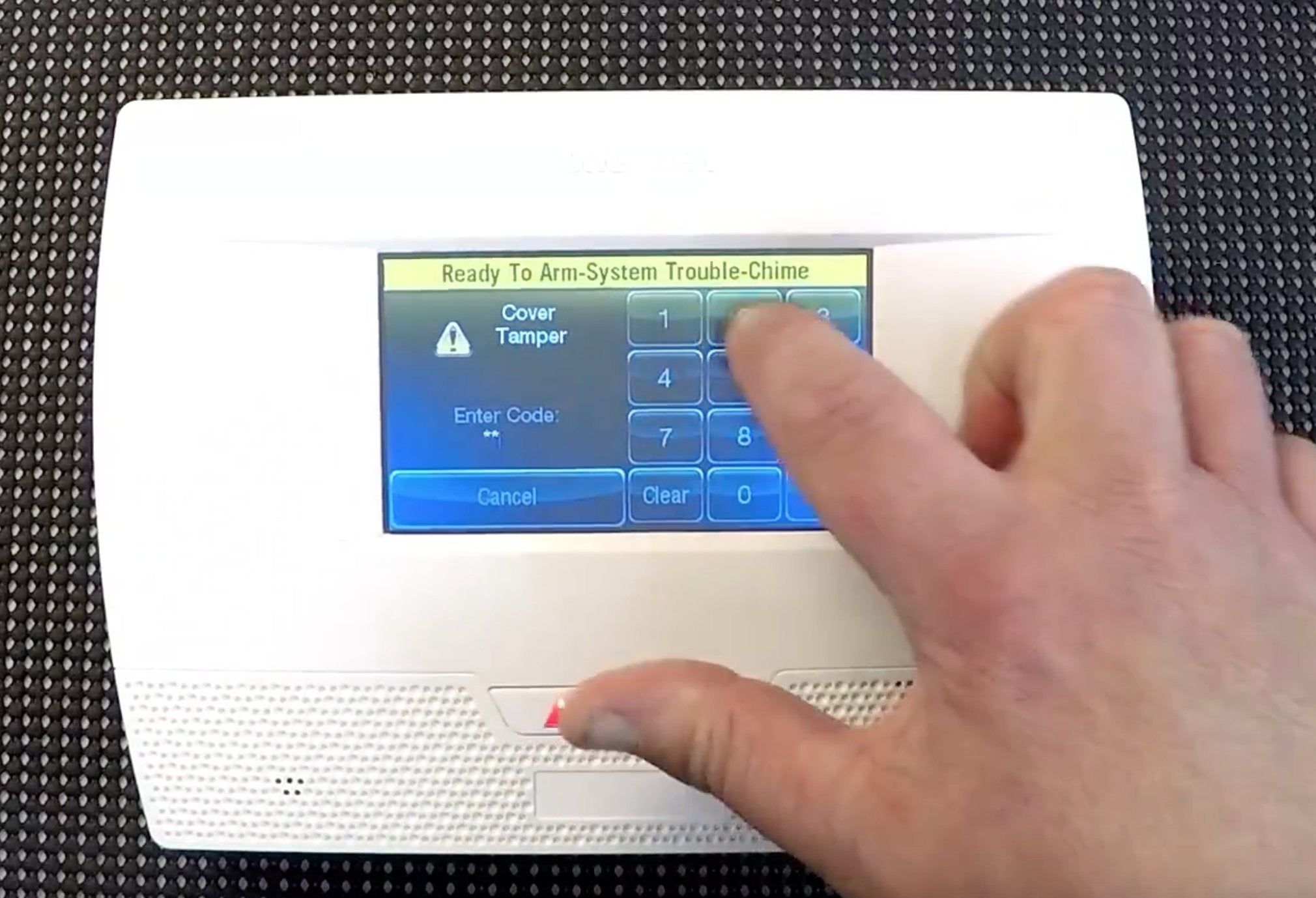
If your system beeps every few minutes with “COMM FAILURE” or “TELCO FAULT” displayed, your Honeywell alarm can’t reach monitoring services. This occurs when phone lines are disconnected, internet connections drop, or cellular backup fails.
Verifying Communication Status
Check physical connections to your landline or internet modem. For cellular systems, ensure your service plan remains active. Modern Honeywell systems often display specific communication error codes that help pinpoint whether the issue is with phone lines, internet connectivity, or cellular service.
Resetting Communication Paths
Press * + # simultaneously to review all active alerts, then scroll through messages using arrow keys. Press OFF after each alert to acknowledge it. This process often resets communication pathways and stops the beeping if the connection has been restored.
Immediate Silence Techniques for Annoying Beeps
When you need quiet immediately—especially during nighttime disturbances—these proven methods will stop the beeping quickly.
Temporary Mute Procedure
Press * + 1 + OFF within 5 seconds of beeping start. This silences alerts for 4-24 hours depending on your model. The underlying issue remains, but you’ll get temporary peace while you address the root cause during daylight hours.
Complete Alert Acknowledgment
Press * + # simultaneously to review all active alerts. Scroll through messages using arrow keys, pressing OFF after each to acknowledge. This stops beeping for acknowledged conditions and helps you identify multiple issues simultaneously.
When to Avoid Resetting
Don’t perform master resets for smoke or carbon monoxide alerts. These safety devices require immediate attention—silencing them without addressing the hazard could be dangerous. Only use reset procedures for nuisance beeps from security sensors or communication issues.
Battery Replacement Protocol
Replacing weak batteries properly prevents recurring beeping issues and maintains your system’s reliability during power outages.
System Battery Replacement Steps
- Disconnect AC power at the main panel transformer to prevent electrical issues
- Remove red and black wires from old battery terminals carefully
- Install new 12V 4Ah or 7Ah battery matching your system’s specifications
- Reconnect AC power and wait 24 hours for full charge before testing
Wireless Sensor Maintenance
Access each wireless sensor by removing the cover (usually slides or has small screws). Replace with matching battery type—most use CR123A or AA lithium batteries. Test each sensor after replacement by triggering it and verifying the system registers the activity without fault messages.
Proactive Battery Testing
Press * + 6 + TEST CODE to run system diagnostics. This identifies weak batteries before they cause beeping alerts. Replace any sensors showing voltage below 7.5V to prevent future nuisance beeping.
Preventing Future Beeping Through Maintenance
Regular system care stops most beeping issues before they disrupt your peace.
Monthly Testing Routine
Test your system on the first of each month with * + 5 + TEST CODE for comprehensive walk-through testing. Check that all zones trigger properly and verify monitoring service receives test signals. This routine catches developing issues before they cause persistent beeping.
Battery Replacement Schedule
- Replace main battery: Every 3-5 years as preventive maintenance
- Sensor batteries: Every 1-2 years (lithium batteries typically last longer)
- Test batteries: Monthly using system diagnostics to catch weakening power
Professional Service Value
Schedule annual service visits to catch issues before they cause beeping. Professional technicians clean sensors, update programming, and test communication paths—preventing 80% of common beeping issues according to industry data. They can also install backup power solutions like UPS systems to prevent beeping during brief outages.
When to Call a Professional
While most beeping issues can be resolved with these techniques, certain situations require professional assistance. If you’ve replaced batteries, checked all zones, and restored power but the beeping continues, your system may need component replacement or programming adjustments. Persistent “COMM FAILURE” messages after verifying all connections indicate possible board issues requiring technician diagnosis.
Your Honeywell keypad beeping serves as an early warning for security issues. By learning these patterns and fixes, you maintain both system reliability and household peace. Keep this guide handy—the next beep won’t catch you off guard, and you’ll know exactly how to restore quiet while ensuring your home remains protected. Regular maintenance prevents most beeping problems, transforming your security system from a source of frustration to a reliable guardian of your home.