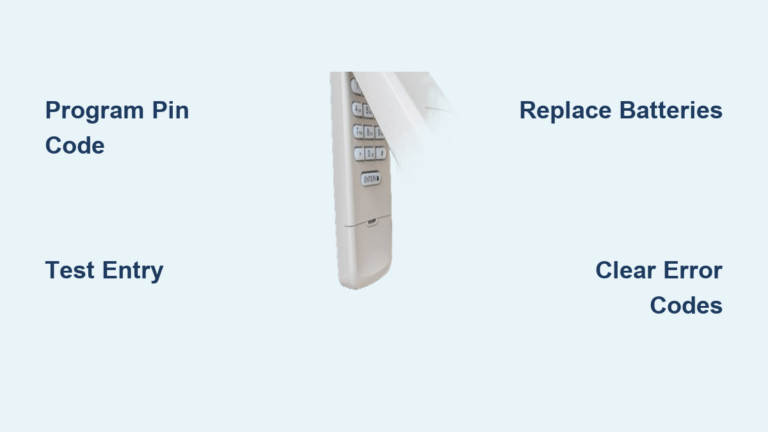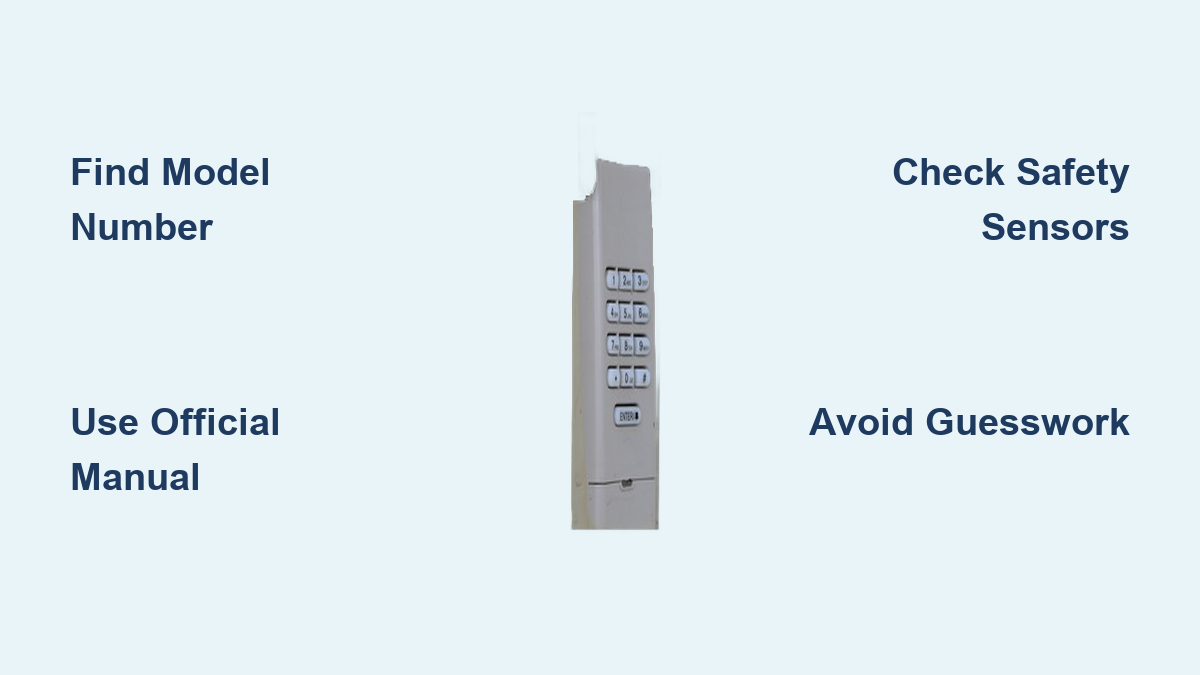
Garage Door Opener Keypad Programming: Quick Steps
Your garage door keypad suddenly stopped working, or you’re installing a new one and the instructions seem to speak in riddles. You’re standing in your driveway, pressing buttons randomly, hoping something clicks—literally. This frustrating scenario happens to homeowners across the country, but here’s what many don’t realize: attempting to program your garage door keypad without accurate, model-specific information can create serious security vulnerabilities or even damage your system.
Garage door openers represent a critical security point for your home. According to industry safety standards, improperly programmed keypads can leave your garage—and by extension, your home—vulnerable to unauthorized access. The Consumer Product Safety Commission emphasizes that garage door systems must maintain proper security protocols to prevent accidents and intrusions. When you’re working with limited or incorrect information, you’re not just dealing with convenience issues—you’re potentially compromising your home’s security.
Before you press another button on that keypad, understand that programming procedures vary significantly between manufacturers and even between models from the same brand. What works for a Chamberlain opener might damage a Genie system. This guide will help you navigate the process safely and effectively—when you have access to accurate information.
Why Accurate Programming Information Matters
Safety Implications of Incorrect Programming
Garage door openers contain powerful motors and safety mechanisms that must function correctly. The UL 325 safety standard requires all garage door openers to have proper reversing mechanisms and safety sensors. When programming is done incorrectly, these critical safety features can be compromised. A misprogrammed opener might fail to reverse when encountering an obstruction, creating a serious pinch point hazard—especially dangerous for children and pets.
Security Vulnerabilities from Guesswork
Modern garage door keypads use rolling code technology to prevent code grabbing. Older systems with fixed codes were vulnerable to “code grabbers” that could capture your signal and replay it later. When you attempt programming without proper instructions, you might inadvertently disable these security features. The Door & Access Systems Manufacturers Association (DASMA) warns that improper programming can leave your system using weaker security protocols or even default factory codes that are widely known.
Finding Reliable Programming Information
Manufacturer Documentation Is Essential
Before attempting any programming, locate your specific model documentation. This isn’t just helpful—it’s necessary for proper operation. Your garage door opener’s model number is typically found on a sticker attached to the motor unit itself, often near the light bulb housing. With this number, you can access the exact programming instructions for your system.
Most major manufacturers maintain online archives of their manuals:
– Chamberlain/LiftMaster: support.chamberlain.com
– Genie: www.geniecompany.com/support
– Craftsman: www.craftsman.com/customer-service
– Ryobi: www.ryobitools.com/support
Recognizing Official Sources
Be cautious of online tutorials that don’t reference specific model numbers. Many YouTube videos and blog posts provide generic advice that may not apply to your system. Look for content that:
– Clearly identifies the exact model being demonstrated
– References the manufacturer’s official documentation
– Explains why certain steps are necessary
– Warns about potential pitfalls specific to that model
The Garage Door Manufacturers Association recommends verifying any third-party instructions against the official manufacturer documentation before proceeding.
Programming Process Fundamentals
Understanding the Learn Button System
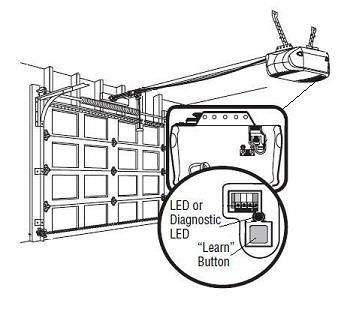
Nearly all modern garage door openers use a “Learn” button system for programming, but its location, color, and behavior vary significantly. This button initiates programming mode, but the exact sequence differs between manufacturers. Some key variations include:
- Chamberlain/LiftMaster: Typically yellow, orange, or purple button that may require multiple presses
- Genie: Often labeled “Program” with specific LED behavior patterns
- Older models: May use DIP switches instead of a Learn button
Without knowing your specific system’s requirements, pressing this button incorrectly could erase existing programming or put your system into an unintended mode.
Wireless Technology Differences

Modern keypads use different wireless protocols:
– Rolling code (most common since 1993)
– Intellicode (Genie’s proprietary system)
– Security+ 2.0 (Chamberlain’s enhanced system)
Each system has unique programming requirements. Attempting to use Intellicode procedures on a Security+ system won’t work and might require a complete reset to recover functionality.
Critical Safety Checks Before Programming
Verify Safety Sensor Operation
Before programming any new device, ensure your safety sensors are working properly. These infrared beams prevent the door from closing when obstructed. Test them by waving an object through the beam path while the door is closing—it should immediately reverse direction. If sensors aren’t functioning correctly, programming new devices becomes unsafe.
Check Mechanical Components
Examine your garage door’s springs, cables, and rollers before focusing on electronics. A door with mechanical issues might not respond properly to programming commands. Listen for unusual noises during operation and check for smooth movement. The International Door Association recommends professional inspection of mechanical components annually.
What to Do When Instructions Are Missing
Creating a Safe Programming Strategy
If you’ve lost your manual, don’t guess. Instead:
- Locate your model number on the opener unit
- Search the manufacturer’s website using that exact number
- Download the official programming guide
- Read through the entire procedure before starting
- Have someone available to assist in case of issues
Many manufacturers offer live chat support to help identify your model and provide specific instructions.
Warning Signs of Incorrect Programming Attempts
Stop immediately if you notice:
– Garage door reversing erratically
– Multiple beeps from the opener unit
– Keypad LED behaving unexpectedly
– Door operating without input
These indicate your system is in an unstable state that requires resetting—not more button pressing.
When to Call a Professional

Recognizing Beyond-DIY Situations
Contact a certified garage door technician if:
– Your opener is more than 15 years old
– You’ve attempted programming multiple times without success
– Safety sensors aren’t functioning properly
– The door operates erratically after programming attempts
– You smell burning electronics
The Overhead Door Corporation notes that 80% of garage door service calls related to programming issues stem from users working with incorrect or incomplete information.
Finding Qualified Help
Look for technicians certified by the Door & Access Systems Manufacturing Association (DASMA) or the International Door Association (IDA). These professionals have current training on specific model programming requirements and can often resolve issues in a single visit.
Maintaining Your System After Successful Programming
Security Best Practices
Once properly programmed:
– Change PIN codes annually
– Remove unused access codes
– Test security features monthly
– Keep physical documentation in a safe place
The National Association of Home Builders recommends treating your garage door code with the same security as your house keys—don’t share it unnecessarily and change it when moving into a new home.
Preventive Maintenance Schedule
Create a simple calendar for:
– Monthly: Test all access methods and safety sensors
– Biannually: Lubricate moving parts and check alignment
– Annually: Professional inspection and battery replacement
Final Considerations
Programming your garage door keypad isn’t just about convenience—it’s about maintaining a critical security point for your home. Without accurate, model-specific information, you risk creating vulnerabilities or damaging your system. The few minutes spent locating proper documentation could prevent hours of frustration or, more importantly, keep your family safe.
When you have the correct information for your specific model, programming becomes straightforward. But when working blind, even simple steps can have unintended consequences. Always prioritize safety and security over convenience, and remember that professional help is just a phone call away when information is lacking.
Your garage door system represents one of your home’s largest moving objects and a primary access point. Treat its programming with the seriousness it deserves—by using only verified, accurate information specific to your model. The peace of mind of knowing your system is properly secured is worth the extra effort to find reliable instructions.