Guides

  • How to Fix Sunken Keyboard Keys

    You’re typing an urgent report when suddenly your spacebar sinks lower than the rest. Or maybe your “E” key barely rises above the keyboard surface. Sunken keys aren’t just frustrating—they disrupt your workflow, cause missed keystrokes, and can completely derail your productivity. The good news? Most keyboard key issues are fixable with the right approach…

  • How to Fix Squeaky Keyboard Keys

    That high-pitched screech every time you hit your spacebar isn’t just annoying—it’s actively sabotaging your focus during critical work or intense gaming sessions. When your keyboard sounds like a rusty hinge, it’s usually the stabilizer bars beneath larger keys screaming for attention. The good news? You can permanently silence those squeaks in 15 minutes flat…

  • How to Fix Keypad Not Working

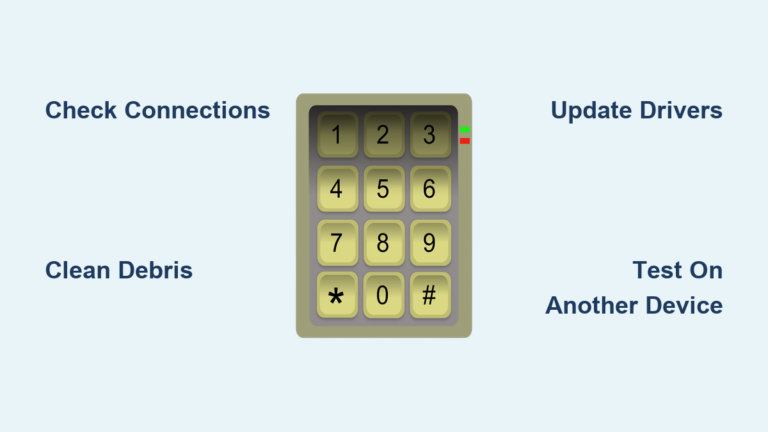
    Your keypad suddenly stops responding mid-deadline, or half your number pad types random symbols—it’s enough to derail hours of work in minutes. Whether you’re wrestling with a laptop’s built-in keyboard, an external USB keypad, or a gaming mechanical model, unresponsive keys rarely resolve themselves. This guide delivers exact steps to diagnose and fix keypad not…

  • How to Fix iPhone Keyboard Issues

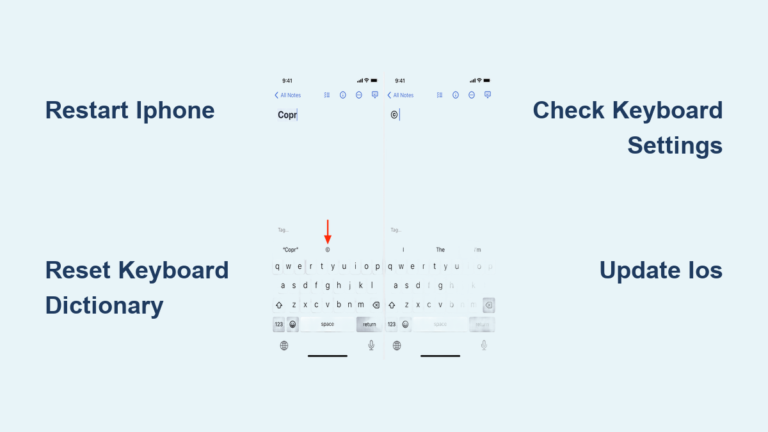
    Your iPhone keyboard suddenly stops working mid-text, autocorrect changes every word into something embarrassing, or keys become completely unresponsive—sound familiar? These frustrating issues can bring your productivity to a grinding halt whether you’re texting friends, replying to work emails, or simply trying to search online. The good news? Most iPhone keyboard problems have quick solutions…

  • How to Fix ZAGG Keyboard Issues

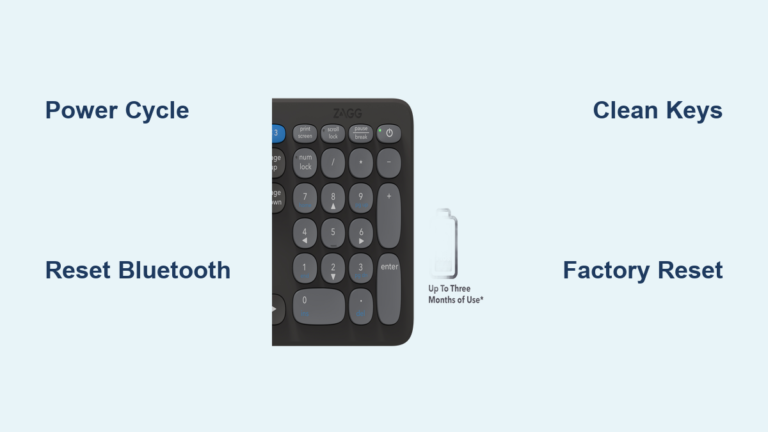
    Your ZAGG keyboard suddenly stops responding mid-document, or the Bluetooth connection keeps dropping during an important presentation. Before you assume it’s broken forever, know that 90% of these frustrating issues can be resolved with simple fixes—no technical expertise required. Whether you own a Folio, Slim Book, Messenger, or Rugged series model, this guide delivers targeted…

  • How to Fix iPad Keyboard Issues

    Your iPad keyboard freezes mid-report, keys stick stubbornly, or the entire on-screen keyboard vanishes when you need it most. Whether you’re battling unresponsive Magic Keyboard keys, a disappearing virtual keyboard, or Bluetooth pairing failures, these disruptions cripple productivity instantly. With over 150 million iPad users relying on keyboards daily, connection failures and typing errors rank…